
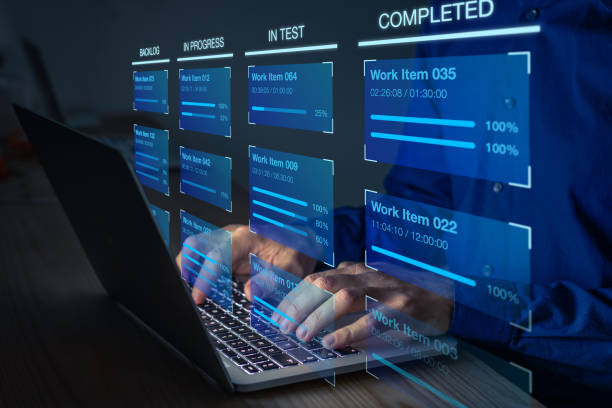
Creative professionals have a complicated relationship with time tracking. Design work doesn’t flow in predictable intervals — inspiration, iteration, feedback, and revision cycles don’t fit neatly into six-minute billing increments. But that complexity is exactly why accurate timesheets matter more for design teams, not less. Without solid records, it’s impossible to know whether a project was profitable, whether the estimate was realistic, or whether the client relationship is sustainable at the current rate.
The right designer timesheet software accommodates creative workflow without fighting it. Timers that run in the background, quick-add entries for short tasks, mobile logging for client calls and site visits, and project structures that match how design engagements are actually organized.
Structuring Time by Project Phase
Design projects move through distinct phases that have different time profiles. Discovery and research, concept development, design production, client review rounds, revisions, and final delivery each take different amounts of time and have different value to the client. Logging time at the phase level — not just the project level — gives you data that actually improves future estimates.
After a few projects tracked this way, you’ll know that your concept phases reliably run 20% over estimate, while production is almost always on budget. That insight changes how you scope and price new work.
When Engineering Teams Are Part of the Picture
Product designers working in tech companies often collaborate closely with engineers on the same deliverables. Design handoffs, spec reviews, and prototype iterations involve time from both teams. When both design and engineering hours need to be reported on the same project, project management tools for engineering teams that share a project structure with design tools eliminate the reconciliation work at billing time.
Team Leave and Creative Capacity
Creative capacity is fragile. Losing a senior designer for a week mid-project has an outsized effect on delivery, especially when that designer is the primary client contact. Knowing about absences in advance — not the day before — is what separates proactive project management from constant fire-fighting.
actiPLANS integrates leave management with project scheduling so creative directors can see planned absences alongside active project timelines. When a gap appears, there’s still time to adjust scope, bring in support, or reset client expectations before the deadline is missed.
Practical Advice for Getting Started
Don’t try to track everything perfectly from day one. Start by logging time on your three most active client projects for one month. Don’t worry about categories or codes — just total hours per project, per day. After 30 days, compare the logged hours against your invoiced hours. The difference is your starting benchmark. From there, add task-level categories and watch the data improve with each billing cycle